
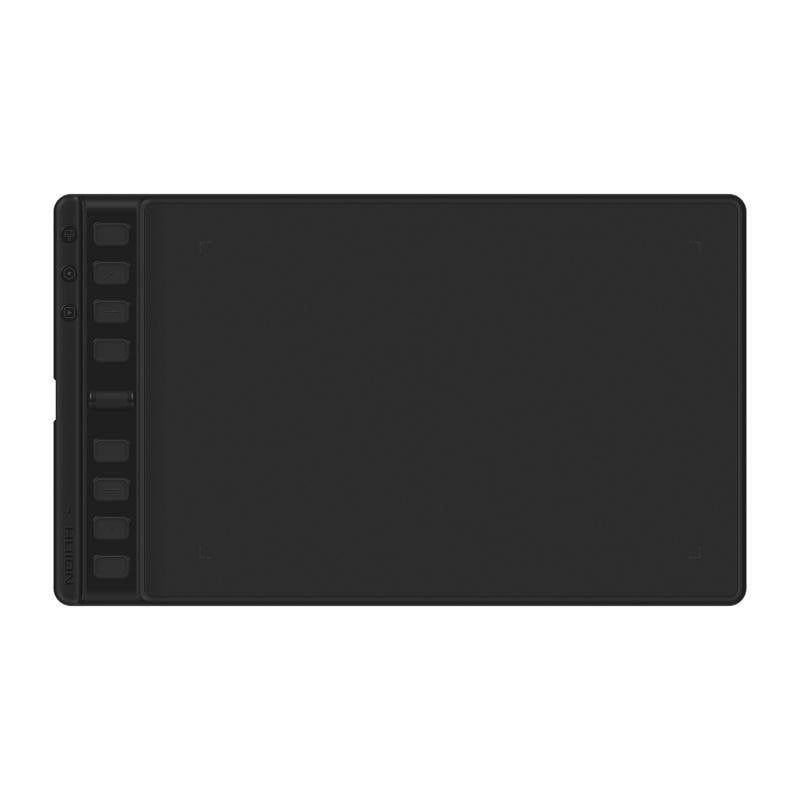
Huion Inspiroy 2 M H951P Graphics Tablet, 221x138mm, USB-C
£50.99
The Huion Inspiroy 2 M graphics tablet offers precise, comfortable control for creators of all skill levels, ideal for drawing and designing with the most natural feel. Huion Inspiroy 2 M Features This tablet is designed to improve your creative workflow. Its matte-textured working surface increases friction by 20%, providing a feel similar to real paper for more precise, comfortable drawing. Programmable buttons and the handy scroll wheel give you quick access to essential functions, improving efficiency in graphics applications. Battery-free stylus with EMR technology and 8192 pressure levels for detailed control. Group keys let you assign up to three functions per button, multiplying the available shortcuts. Compatible with Windows, macOS, Linux, ChromeOS and Android/HarmonyOS devices for drawing anywhere. Symmetrical design and a side USB-C port for comfortable use by both right- and left-handed users. If you are looking for a versatile, professional tool for your creative workstation, the Huion Inspiroy 2 M is the perfect choice. Discover the difference in every stroke. Huion Inspiroy 2 M Specifications Specification Detail Model Inspiroy 2 M Dimensions 306 x 180 x 7.5~9.5 mm Working area 221 x 138 mm Weight 420 g Interface USB-C Stylus model PW110 Stylus technology Battery-free, EMR Resolution 5080 LPI Pressure levels 8192 Sensing height >10 mm Tilt support ±60° Report rate >260 PPS Accuracy ±0.3 mm Buttons 8 programmable + 3 Group Keys + scroll wheel OS compatibility Windows 7 or later, macOS 10.12 or later, ChromeOS 88 or later, Android 6.0 or later, Linux (Ubuntu 20.04 LTS) FAQs - Huion Inspiroy 2 M What is the Huion Inspiroy 2 M tablet for? It is a graphics tablet designed for precise digital drawing, illustration and design, ideal for artists, designers and content creators who need detailed control. How do you connect and use it? It connects to a computer or compatible mobile device via a USB-C cable. The battery-free stylus is used directly on the working surface, and the programmable buttons let you customise shortcuts for graphics applications. What advantages does it offer over other tablets? Its matte-textured surface provides a more natural drawing feel, the group keys improve efficiency with more shortcuts, and it is compatible with multiple operating systems and mobile devices. Is it suitable for professional use? Yes, with 8192 pressure levels, high resolution and accuracy, it is a professional tool for illustration, graphic design and image editing.
1-year warranty